下面我将为您提供一个完整、详细的手机软件下载网站wap模板方案,包括设计理念、核心功能、页面布局、代码示例(HTML+CSS)以及技术选型建议。
(图片来源网络,侵删)
设计理念与核心原则
- 移动优先:一切设计都从手机屏幕出发,确保在小屏幕上体验流畅,而不是PC网站的缩略版。
- 极简主义:减少不必要的装饰元素,让内容和操作按钮成为主角。
- 快速加载:图片要压缩,代码要精简,首屏内容要优先加载。
- 操作便捷:大按钮、清晰的分类、强大的搜索功能,让用户用最少的点击次数完成任务。
- 信任与安全:突出展示App的安全认证、官方标识、用户评价,打消用户下载顾虑。
核心功能模块
一个完整的wap下载站需要包含以下模块:
- 首页
- 精品推荐/热门App
- 分类导航
- 最新上架
- 专题推荐 (如“开学必备”、“办公神器”)
- 分类页
- 按类型划分 (如:游戏、社交、工具、教育、影音)
- 按热门度/最新/评分排序
- 搜索页
- 搜索框
- 搜索历史
- 热门搜索
- App详情页
- App图标、名称、版本号、大小
- 官方/安全认证标识
- 一键下载按钮
- App截图/宣传视频
- 详细介绍
- 用户评论
- 个人中心
- 我的下载
- 我的收藏
- 浏览历史
- 设置
页面布局与UI设计 (以首页和详情页为例)
首页布局
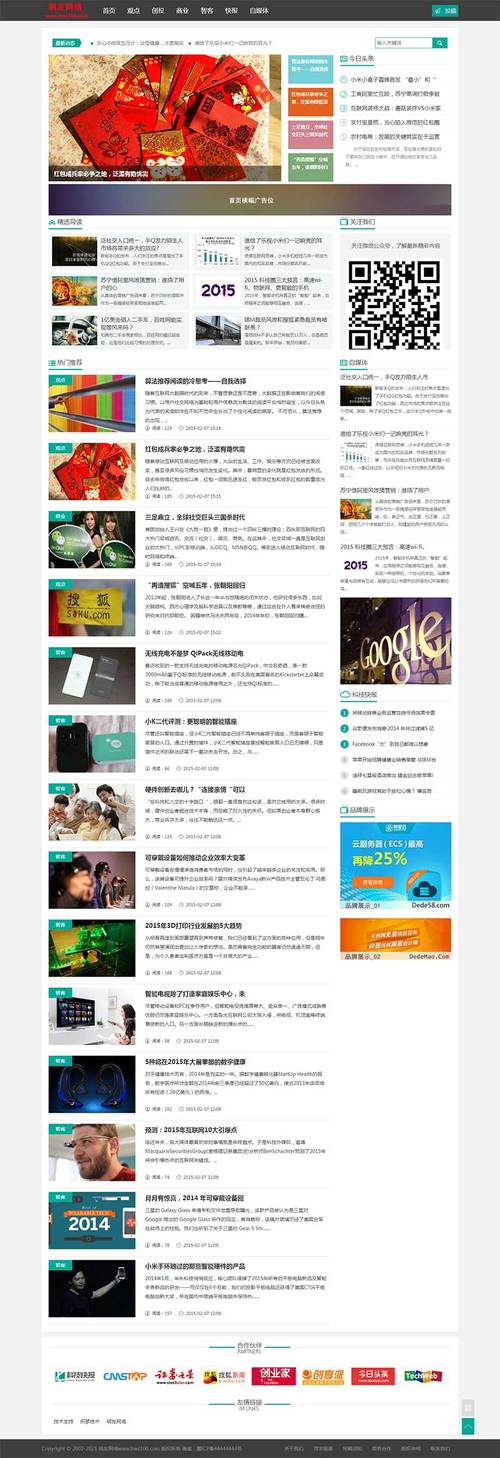
结构:顶部搜索栏 -> Banner轮播 -> 功能/分类入口 -> 热门App列表 -> 底部导航
UI设计要点:
- 顶部搜索栏:固定在顶部,方便随时搜索,搜索框要大,占位符提示清晰(如“搜索你想要的App”)。
- Banner轮播:展示精品App或专题,高度适中,图片清晰,支持左右滑动,有明确的页码指示器。
- 功能/分类入口:使用大图标+文字的形式,如“游戏”、“社交”、“工具”,排列成网格状,点击即可进入分类。
- 热门App列表:采用卡片式设计,每个App卡片包含:
- App图标 (左)
- App名称 (中上)
- 评分/星级 (中)
- 文件大小/版本号 (中下)
- 下载按钮 (右,一个大按钮)
- 底部导航:固定在底部,通常包含“首页”、“分类”、“搜索”、“我的”四个图标,方便用户快速切换。
App详情页布局
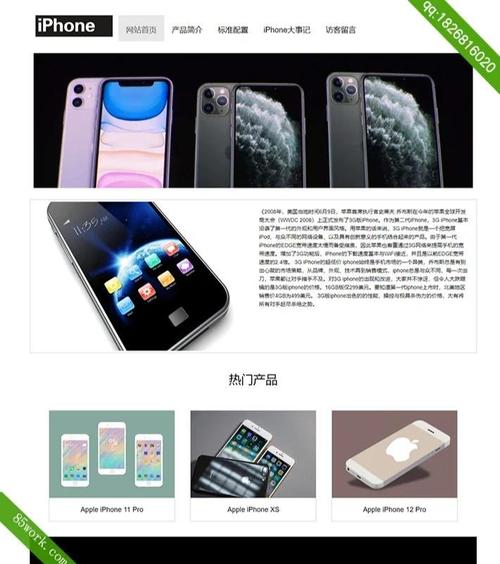
结构:顶部返回栏 -> App基本信息与下载 -> App截图 -> 详细介绍 -> 用户评论
(图片来源网络,侵删)
UI设计要点:
- 顶部返回栏:左侧有返回箭头,中间是App名称。
- App基本信息与下载:
- App大图标
- App名称、开发者
- 核心卖点:如“官方认证”、“无广告”、“绿色版”等,用标签形式展示。
- 评分:星级和分数。
- 下载按钮:最醒目的位置,使用高对比度颜色(如绿色或蓝色)。
- App截图:横向滑动的图片组,让用户直观了解App界面。
- 详细介绍:折叠/展开式的长文本介绍,默认展示前几行。
- 用户评论:列表形式,显示用户头像、昵称、评分、评论内容和时间。
Wap模板代码示例 (HTML + CSS)
这里提供一个高度简化的、符合上述设计的wap模板首页代码,你可以基于此进行扩展。
<!DOCTYPE html>
<html lang="zh-CN">
<head>
    <meta charset="UTF-8">
    <meta name="viewport" content="width=device-width, initial-scale=1.0, maximum-scale=1.0, user-scalable=no">手机软件站 - 发现更好用的App</title>
    <style>
        /* 全局样式 - 移动端重置 */
        * {
            margin: 0;
            padding: 0;
            box-sizing: border-box;
            -webkit-tap-highlight-color: transparent; /* 点击高亮效果 */
        }
        body {
            font-family: -apple-system, BlinkMacSystemFont, "Segoe UI", Roboto, "Helvetica Neue", Arial, sans-serif;
            font-size: 16px;
            background-color: #f5f5f5;
            color: #333;
            line-height: 1.4;
        }
        a {
            text-decoration: none;
            color: inherit;
        }
        img {
            max-width: 100%;
            height: auto;
            vertical-align: middle;
        }
        /* 顶部搜索栏 */
        .search-bar {
            position: fixed;
            top: 0;
            left: 0;
            right: 0;
            background: #fff;
            padding: 10px 15px;
            z-index: 1000;
            box-shadow: 0 2px 5px rgba(0,0,0,0.1);
        }
        .search-input-wrapper {
            display: flex;
            align-items: center;
            background: #f0f0f0;
            border-radius: 20px;
            padding: 8px 15px;
        }
        .search-input-wrapper i {
            color: #999;
            margin-right: 10px;
        }
        .search-input {
            flex: 1;
            border: none;
            background: none;
            outline: none;
            font-size: 14px;
        }
        /* 主内容区 - 给顶部搜索栏留出空间 */
        .main-content {
            margin-top: 60px; /* 高度等于搜索栏高度 */
            padding-bottom: 60px; /* 给底部导航留出空间 */
        }
        /* Banner轮播 */
        .banner {
            width: 100%;
            height: 150px;
            background: #ddd;
            margin-bottom: 15px;
            display: flex;
            align-items: center;
            justify-content: center;
            color: #666;
        }
        /* 分类入口 */
        .category-grid {
            display: grid;
            grid-template-columns: repeat(4, 1fr);
            gap: 15px;
            padding: 0 15px;
            margin-bottom: 20px;
        }
        .category-item {
            text-align: center;
        }
        .category-icon {
            width: 50px;
            height: 50px;
            background: #4CAF50;
            border-radius: 50%;
            margin: 0 auto 5px;
            display: flex;
            align-items: center;
            justify-content: center;
            color: white;
            font-size: 24px;
        }
        .category-name {
            font-size: 14px;
        }
        /* App列表 */
        .app-list {
            padding: 0 15px;
        }
        .app-item {
            background: #fff;
            border-radius: 10px;
            padding: 15px;
            margin-bottom: 10px;
            display: flex;
            align-items: center;
            box-shadow: 0 1px 3px rgba(0,0,0,0.05);
        }
        .app-icon {
            width: 60px;
            height: 60px;
            border-radius: 10px;
            margin-right: 15px;
        }
        .app-info {
            flex: 1;
        }
        .app-name {
            font-size: 16px;
            font-weight: bold;
            margin-bottom: 5px;
        }
        .app-meta {
            font-size: 12px;
            color: #999;
        }
        .download-btn {
            background: #4CAF50;
            color: white;
            border: none;
            border-radius: 20px;
            padding: 8px 20px;
            font-size: 14px;
            white-space: nowrap;
        }
        /* 底部导航 */
        .bottom-nav {
            position: fixed;
            bottom: 0;
            left: 0;
            right: 0;
            background: #fff;
            display: flex;
            justify-content: space-around;
            padding: 10px 0;
            box-shadow: 0 -2px 5px rgba(0,0,0,0.1);
            z-index: 1000;
        }
        .nav-item {
            text-align: center;
            color: #666;
        }
        .nav-item.active {
            color: #4CAF50;
        }
        .nav-icon {
            font-size: 20px;
            margin-bottom: 3px;
        }
        .nav-text {
            font-size: 12px;
        }
    </style>
</head>
<body>
    <!-- 顶部搜索栏 -->
    <div class="search-bar">
        <div class="search-input-wrapper">
            <i>🔍</i>
            <input type="text" class="search-input" placeholder="搜索你想要的App">
        </div>
    </div>
    <!-- 主内容区 -->
    <div class="main-content">
        <!-- Banner轮播 -->
        <div class="banner">
            <span>轮播图 Banner</span>
        </div>
        <!-- 分类入口 -->
        <div class="category-grid">
            <div class="category-item">
                <div class="category-icon">🎮</div>
                <div class="category-name">游戏</div>
            </div>
            <div class="category-item">
                <div class="category-icon">💬</div>
                <div class="category-name">社交</div>
            </div>
            <div class="category-item">
                <div class="category-icon">🛠️</div>
                <div class="category-name">工具</div>
            </div>
            <div class="category-item">
                <div class="category-icon">📚</div>
                <div class="category-name">教育</div>
            </div>
        </div>
        <!-- 热门App列表 -->
        <div class="app-list">
            <div class="app-item">
                <img src="https://via.placeholder.com/60" alt="App图标" class="app-icon">
                <div class="app-info">
                    <div class="app-name">微信</div>
                    <div class="app-meta">版本 8.0.35 · 235.5 MB</div>
                </div>
                <button class="download-btn">下载</button>
            </div>
            <div class="app-item">
                <img src="https://via.placeholder.com/60" alt="App图标" class="app-icon">
                <div class="app-info">
                    <div class="app-name">抖音</div>
                    <div class="app-meta">版本 28.5.0 · 389.2 MB</div>
                </div>
                <button class="download-btn">下载</button>
            </div>
             <div class="app-item">
                <img src="https://via.placeholder.com/60" alt="App图标" class="app-icon">
                <div class="app-info">
                    <div class="app-name">淘宝</div>
                    <div class="app-meta">版本 10.32.0 · 156.8 MB</div>
                </div>
                <button class="download-btn">下载</button>
            </div>
        </div>
    </div>
    <!-- 底部导航 -->
    <div class="bottom-nav">
        <div class="nav-item active">
            <div class="nav-icon">🏠</div>
            <div class="nav-text">首页</div>
        </div>
        <div class="nav-item">
            <div class="nav-icon">📁</div>
            <div class="nav-text">分类</div>
        </div>
        <div class="nav-item">
            <div class="nav-icon">🔍</div>
            <div class="nav-text">搜索</div>
        </div>
        <div class="nav-item">
            <div class="nav-icon">👤</div>
            <div class="nav-text">我的</div>
        </div>
    </div>
</body>
</html>
技术选型与建议
-
前端框架:
- 纯HTML/CSS/JS:如上例所示,适合小型项目,加载速度快,易于理解。
- Vue.js / React:适合中大型项目,可以构建单页应用,体验更流畅,组件化开发效率高,Vue.js在移动端开发中尤其流行。
- UI组件库:可以使用像
Vant(Vue),Ant Design Mobile(React) 这样的移动端UI库,它们提供了大量现成的、风格统一的组件(如导航栏、搜索框、轮播图),能极大提高开发效率。
-
后端技术:
 (图片来源网络,侵删)
- Node.js (Express/Koa):轻量、高性能,适合I/O密集型的下载站。
- PHP (Laravel/ThinkPHP):生态成熟,开发速度快,有大量现成的CMS和框架可以参考。
- Python (Django/Flask):功能强大,适合处理复杂的业务逻辑和数据分析。
- Go语言:性能极佳,适合高并发的场景。
-
数据库:
- MySQL / PostgreSQL:关系型数据库,适合存储结构化的App信息(名称、版本、描述、分类等)。
- MongoDB:非关系型数据库,如果数据结构灵活,可以考虑使用。
-
关键注意事项:
- CDN加速:务必使用CDN来加速图片、JS、CSS等静态资源的加载,这是提升wap速度最有效的方法。
- HTTPS:必须启用HTTPS,这不仅是安全要求,也有利于SEO。
- SEO优化:虽然wap站更注重体验,但基本的SEO(如
<meta>标签、语义化HTML<header>,<main>,<footer>)还是需要的,方便用户通过搜索引擎找到你。 - App安全:这是下载站的命脉,必须严格审核上传的App,最好只提供官方渠道或可信渠道的下载链接,并明确告知用户,可以考虑引入病毒扫描、数字签名验证等机制。
这个模板和方案为你提供了一个坚实的基础,你可以根据实际需求进行功能增删和样式美化,祝你项目顺利!


