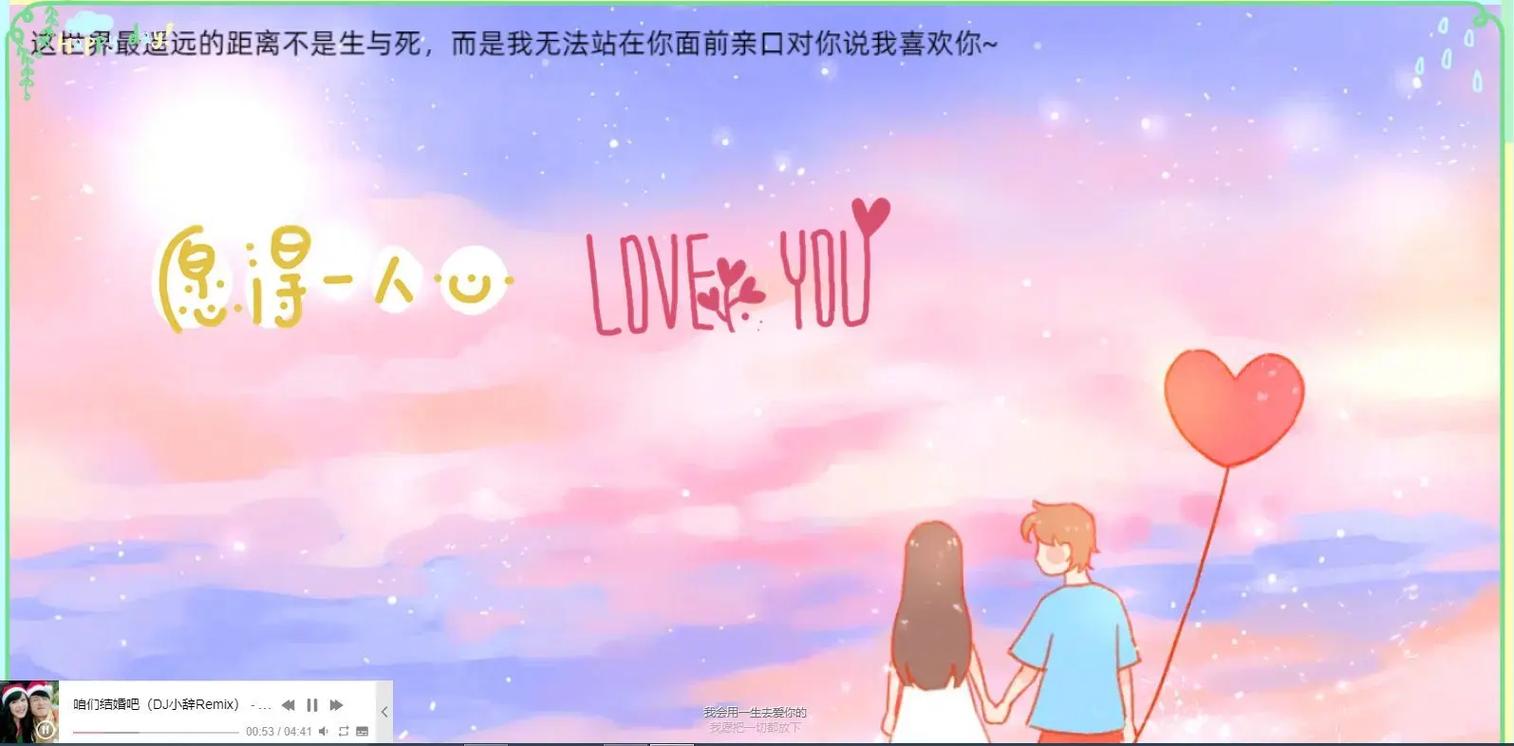
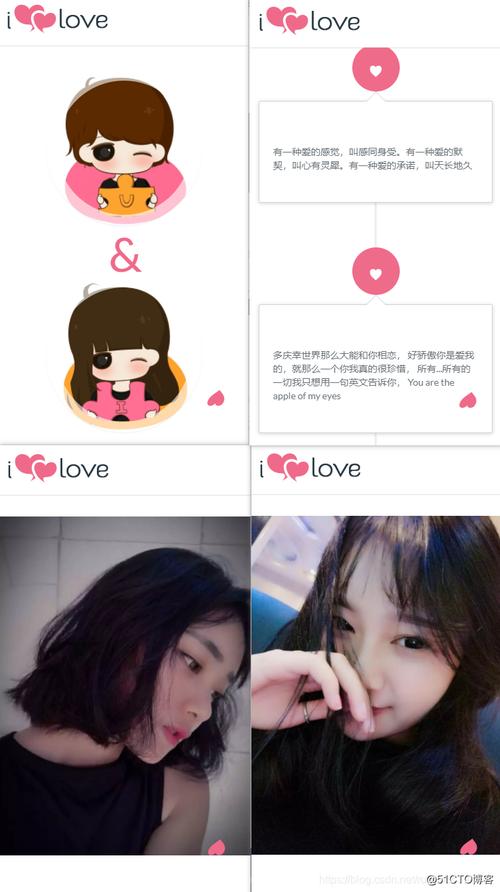
- 动态打字效果:让文字一句一句出现,更有感觉。
- 照片展示:可以轻松添加你女友的照片。
- 爱心背景动画:增加浪漫氛围。
- 一个“点我一下”的惊喜:增加互动性和趣味性。
最终效果预览
使用方法(超级简单!)
你只需要复制下面的所有代码,然后粘贴到一个新的文本文件中,再将这个文件的后缀名从 .txt 改为 .html,最后用浏览器(如 Chrome, Edge, Firefox)打开这个文件就行了。
(图片来源网络,侵删)
完整代码
<!DOCTYPE html>
<html lang="zh-CN">
<head>
<meta charset="UTF-8">
<meta name="viewport" content="width=device-width, initial-scale=1.0">给我的宝贝</title>
<style>
/* --- 基础样式设置 --- */
body {
margin: 0;
padding: 0;
font-family: 'Microsoft YaHei', '微软雅黑', sans-serif;
background-color: #ffeef8; /* 淡粉色背景 */
color: #333;
overflow-x: hidden; /* 防止横向滚动条 */
display: flex;
justify-content: center;
align-items: center;
min-height: 100vh;
}
/* --- 爱心背景动画 --- */
.hearts {
position: fixed;
top: 0;
left: 0;
width: 100%;
height: 100%;
pointer-events: none; /* 让爱心不影响鼠标点击 */
z-index: -1; /* 确保在内容层下面 */
}
.heart {
position: absolute;
width: 20px;
height: 20px;
background: #ff6b81; /* 爱心颜色 */
transform: rotate(-45deg);
animation: float-up 8s infinite linear;
opacity: 0.7;
}
.heart::before,
.heart::after {
content: '';
width: 20px;
height: 20px;
position: absolute;
background: #ff6b81;
border-radius: 50%;
}
.heart::before {
top: -10px;
left: 0;
}
.heart::after {
left: 10px;
top: 0;
}
@keyframes float-up {
0% {
transform: translateY(100vh) rotate(-45deg);
opacity: 0;
}
10% {
opacity: 0.7;
}
90% {
opacity: 0.7;
}
100% {
transform: translateY(-100px) rotate(-45deg);
opacity: 0;
}
}
/* --- 主内容容器 --- */
.container {
text-align: center;
padding: 20px;
max-width: 600px;
background-color: rgba(255, 255, 255, 0.8); /* 半透明白色背景 */
border-radius: 20px;
box-shadow: 0 8px 32px rgba(255, 107, 129, 0.2);
}
/* --- 照片样式 --- */
.photo-frame {
margin: 20px 0;
border-radius: 15px;
overflow: hidden;
box-shadow: 0 4px 15px rgba(0,0,0,0.1);
display: inline-block;
}
.photo-frame img {
width: 250px; /* 照片宽度 */
height: 250px; /* 照片高度 */
object-fit: cover; /* 让图片填满区域,不变形 */
display: block;
}
/* --- 标题样式 --- */
h1 {
color: #ff6b81;
font-size: 2.5em;
margin-bottom: 20px;
}
/* --- 打字机效果的文字 --- */
.typewriter {
font-size: 1.2em;
line-height: 1.8;
min-height: 100px; /* 给内容一个最小高度,防止跳动 */
color: #555;
}
.cursor {
display: inline-block;
width: 3px;
height: 1.2em;
background-color: #ff6b81;
animation: blink 1s infinite;
vertical-align: text-bottom;
}
@keyframes blink {
0%, 50% { opacity: 1; }
51%, 100% { opacity: 0; }
}
/* --- 按钮样式 --- */
.surprise-btn {
margin-top: 30px;
padding: 12px 30px;
font-size: 1.1em;
font-family: inherit;
color: white;
background-color: #ff6b81;
border: none;
border-radius: 50px;
cursor: pointer;
transition: transform 0.2s, box-shadow 0.2s;
}
.surprise-btn:hover {
transform: scale(1.05);
box-shadow: 0 5px 15px rgba(255, 107, 129, 0.4);
}
/* --- 隐藏的惊喜信息 --- */
.surprise-message {
margin-top: 20px;
font-size: 1.5em;
color: #ff6b81;
font-weight: bold;
opacity: 0;
transition: opacity 0.5s ease-in-out;
}
.surprise-message.show {
opacity: 1;
}
</style>
</head>
<body>
<!-- 爱心背景容器 -->
<div class="hearts" id="hearts"></div>
<!-- 主内容 -->
<div class="container">
<h1>致我最爱的你</h1>
<!-- 照片区域 (在这里替换照片) -->
<div class="photo-frame">
<!--
把这里的 "your-image-url.jpg"
替换成你女友照片的链接或本地路径
"photo/girlfriend.jpg"
-->
<img src="https://images.unsplash.com/photo-1544005313-94ddf0286df2?ixlib=rb-4.0.3&ixid=M3wxMjA3fDB8MHxwaG90by1wYWdlfHx8fGVufDB8fHx8fA%3D%3D&auto=format&fit=crop&w=1170&q=80" alt="我的宝贝">
</div>
<!-- 打字机效果文字 -->
<div class="typewriter">
<span id="text"></span><span class="cursor"> </span>
</div>
<!-- 惊喜按钮 -->
<button class="surprise-btn" id="surpriseBtn">点我一下</button>
<!-- 隐藏的惊喜信息 -->
<div class="surprise-message" id="surpriseMessage">
嫁给我吧!❤️
</div>
</div>
<script>
// --- 1. 打字机效果 ---
const textElement = document.getElementById('text');
const messages = [
"宝贝,从遇见你的那天起,我的世界就充满了色彩。",
"你的笑容像阳光一样,总能照亮我所有的阴霾。",
"和你在一起的每一天,都是我最珍贵的回忆。",
"我想牵着你的手,从心动到古稀。",
"我爱你,胜过昨日,略逊明朝。"
];
let messageIndex = 0;
let charIndex = 0;
let isDeleting = false;
function typeWriter() {
const currentMessage = messages[messageIndex];
if (isDeleting) {
textElement.textContent = currentMessage.substring(0, charIndex - 1);
charIndex--;
} else {
textElement.textContent = currentMessage.substring(0, charIndex + 1);
charIndex++;
}
let typeSpeed = isDeleting ? 50 : 100;
if (!isDeleting && charIndex === currentMessage.length) {
typeSpeed = 2000; // 停留2秒
isDeleting = true;
} else if (isDeleting && charIndex === 0) {
isDeleting = false;
messageIndex = (messageIndex + 1) % messages.length;
typeSpeed = 500; // 新句子开始前的短暂停顿
}
setTimeout(typeWriter, typeSpeed);
}
typeWriter();
// --- 2. 动态生成爱心背景 ---
function createHeart() {
const heart = document.createElement('div');
heart.classList.add('heart');
heart.style.left = Math.random() * 100 + 'vw'; // 随机水平位置
heart.style.animationDuration = (Math.random() * 3 + 5) + 's'; // 随机动画时长
heart.style.opacity = Math.random() * 0.5 + 0.3; // 随机透明度
document.getElementById('hearts').appendChild(heart);
// 动画结束后移除爱心,避免页面元素过多
setTimeout(() => {
heart.remove();
}, 8000);
}
// 每300毫秒创建一个新爱心
setInterval(createHeart, 300);
// --- 3. 按钮点击惊喜 ---
const surpriseBtn = document.getElementById('surpriseBtn');
const surpriseMessage = document.getElementById('surpriseMessage');
surpriseBtn.addEventListener('click', function() {
if (surpriseMessage.classList.contains('show')) {
// 如果消息已经显示,则隐藏并重置按钮文字
surpriseMessage.classList.remove('show');
surpriseBtn.textContent = '点我一下';
} else {
// 否则,显示消息
surpriseMessage.classList.add('show');
surpriseBtn.textContent = '再点一次';
}
});
</script>
</body>
</html>
如何自定义和修改
更换女友照片(最重要的一步!)
找到下面这段代码:
<img src="https://images.unsplash.com/photo-1544005313-94ddf0286df2?ixlib=rb-4.0.3&ixid=M3wxMjA3fDB8MHxwaG90by1wYWdlfHx8fGVufDB8fHx8fA%3D%3D&auto=format&fit=crop&w=1170&q=80" alt="我的宝贝">
-
使用网络图片
- 将
src="..."里的链接,替换成你女友照片的网络地址。 - 注意:请确保该图片是允许外链的,否则可能无法显示。
- 将
-
使用本地图片(推荐)
- 将你女友的照片(
me_and_you.jpg)和这个HTML文件放在同一个文件夹里。 - 然后将代码修改为:
<img src="me_and_you.jpg" alt="我的宝贝">
- 将你女友的照片(
修改表白文字
在 <script> 标签里找到 messages 数组,里面的就是一句句打出来的话,你可以直接修改或添加新的句子:
(图片来源网络,侵删)
const messages = [
    "宝贝,从遇见你的那天起,我的世界就充满了色彩。",
    "你的笑容像阳光一样,总能照亮我所有的阴霾。",
    "这里可以写上你的新句子哦!",
    // ... 更多句子
];
修改“惊喜”按钮的文字
在 <script> 标签里找到 surpriseBtn.addEventListener 的部分,修改 textContent 的值即可。
surpriseBtn.textContent = '嫁给我吧!❤️'; // 点击后显示的文字
surpriseBtn.textContent = '撤销'; // 再次点击后显示的文字
修改颜色和样式
如果你懂一点CSS,可以轻松修改颜色。
- 背景色:修改
body的background-color。 - 文字颜色:修改
h1和.typewriter的color。 - 爱心颜色:修改
.heart和:before,:after的background。 - 按钮颜色:修改
.surprise-btn的background-color。
希望这个页面能帮你成功表白!祝你们幸福!
(图片来源网络,侵删)


